Receiving a call
This article explains how incoming calls are handled in vacs. We will use the Tabbed Layout to show different things related to receiving calls directly in vacs.
When another controller initiates a call to a sector you are covering, vacs will notify you visually and audibly.
Incoming Call Indication
When another controller calls you, the relevant sector button (of the caller (=call source)) will start indicating the incoming call.
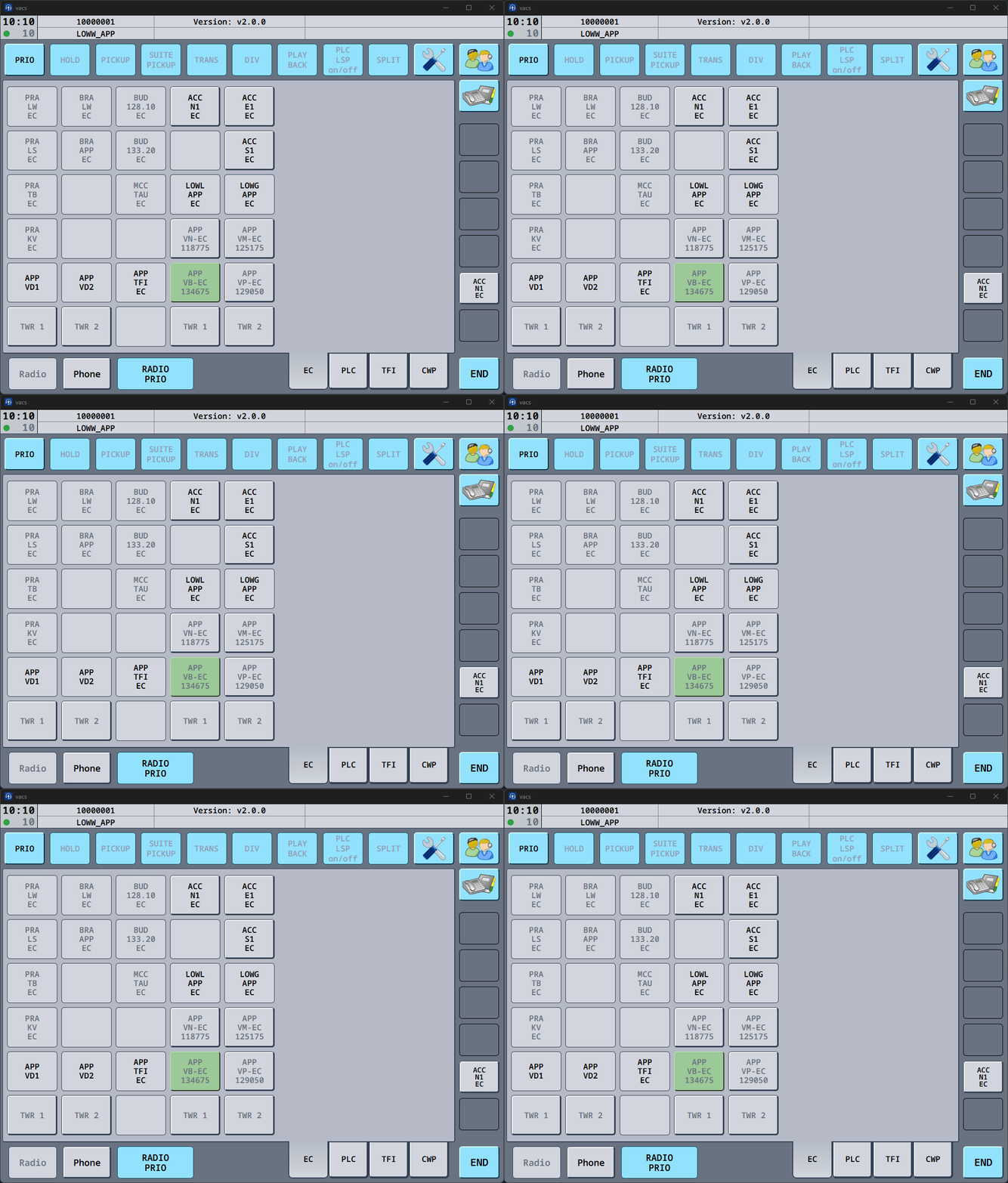
In the interface, you can see:
- Who is calling: Dark Green, flashing, button. Here:
ACC E1 EC. (Only visible as call source was selected by the caller.) - Which sector is being called: Light Green, static, button. Here:
APP VB-EC.
Target Sector not clearly defined
In some situations, vacs cannot determine a unique sector target for the call.
This happens, for example, when a sector is called not using a correctly defined direct access key, but via the Phone Directory or CWP Page (if set up).
In this case, the incoming call is indicated without highlighting a specific sector.
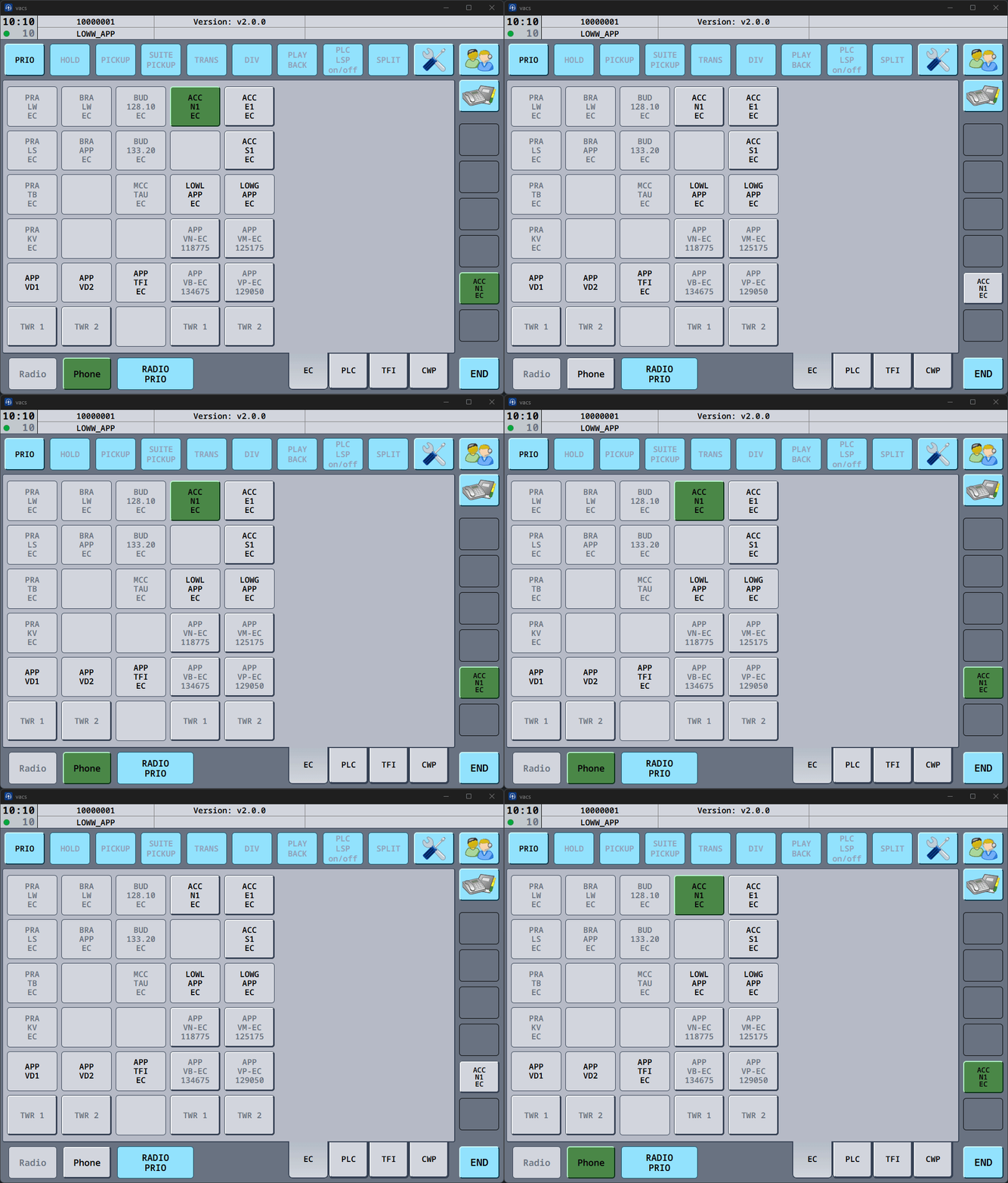
You can still accept the call normally.
Multiple Incoming Calls
If several controllers attempt to contact you at the same time, vacs will display multiple incoming call indicators.
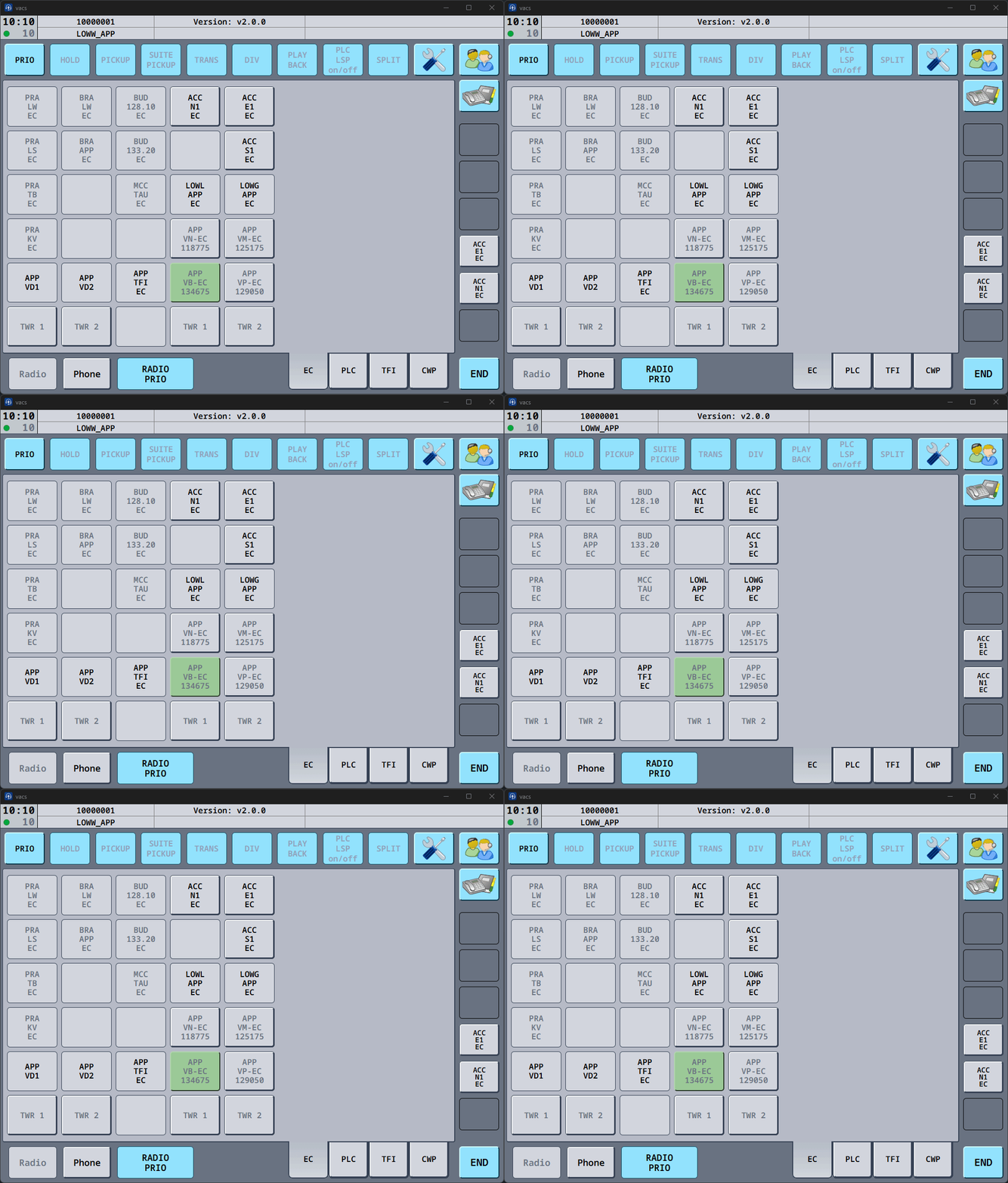
You can decide which call to accept first.
Priority Calls
Incoming PRIO calls indicate urgent coordination.
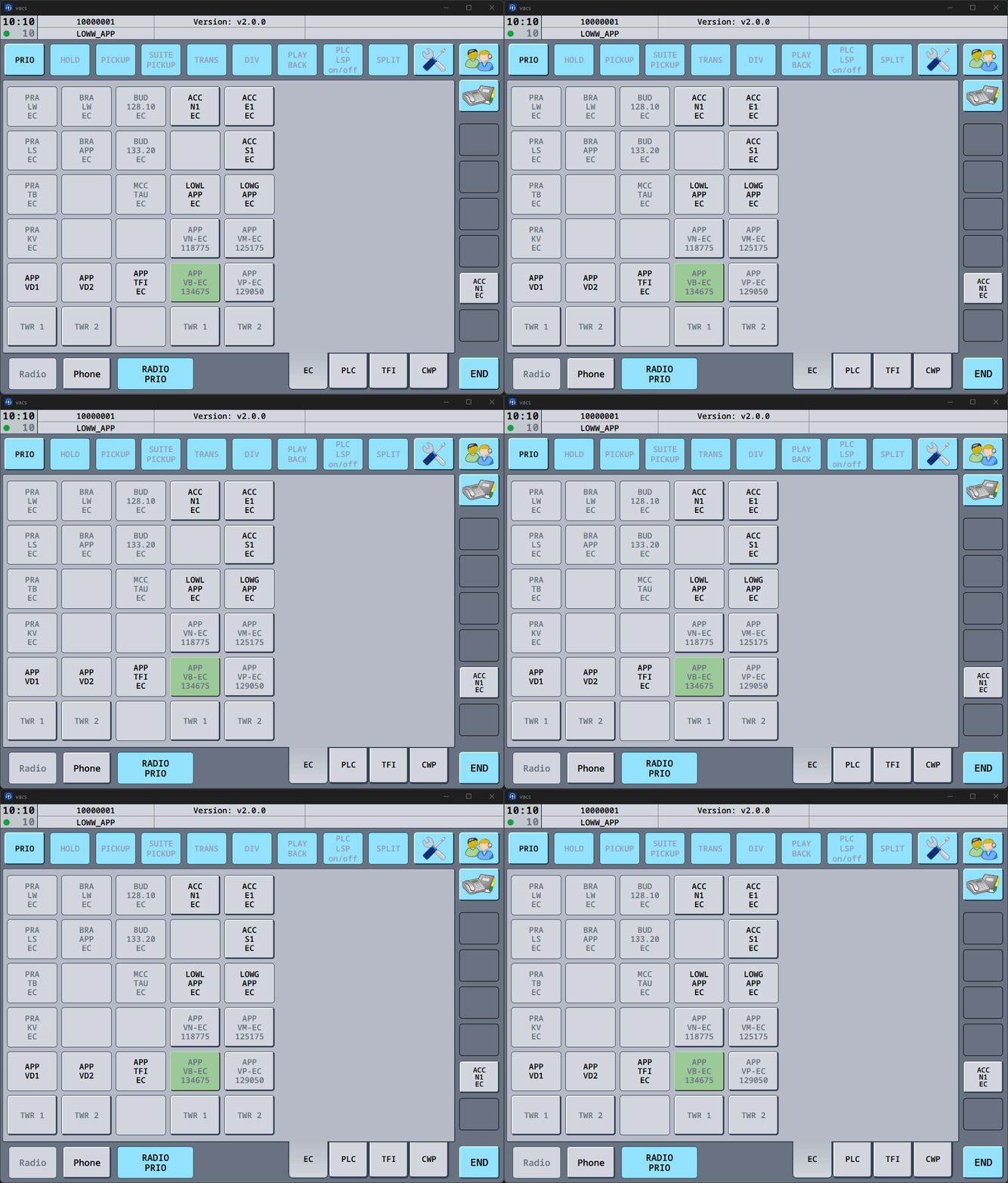
Priority calls are marked clearly (visual & audible) and should generally be handled before normal calls, as they indicate time-critical coordination.
Accepting a Call
To accept an incoming call, press one of the flashing green call indicators.
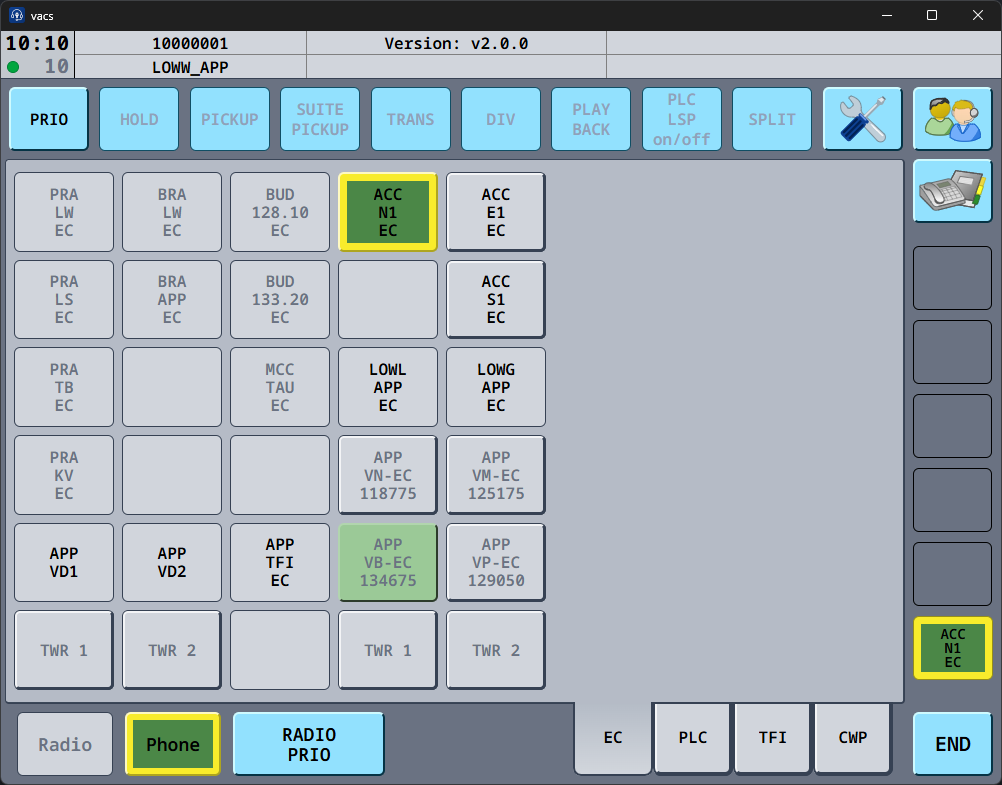
Once connected (call status indicator on the top left turns from orange to green and/or audible signal), the active call will be indicated in the interface.
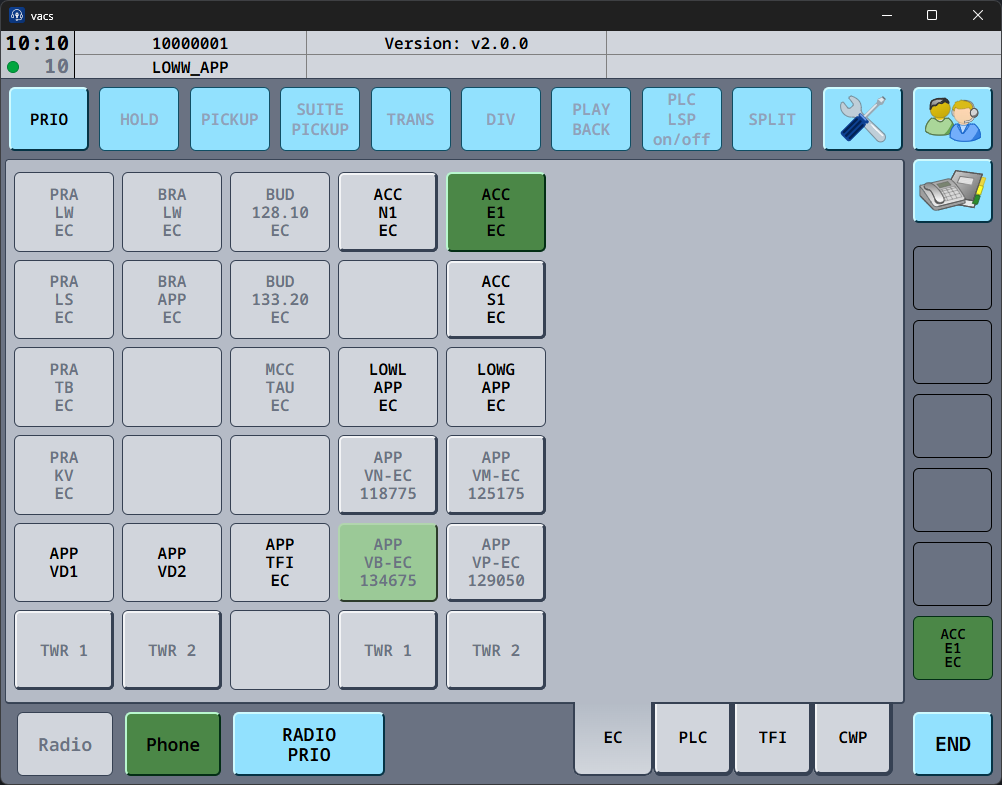
If the call was initiated as a PRIO call, the active call will also indicate the priority status (yellow border).
Speaking during a Call
How audio transmission works during a call depends on your configured Transmit Mode.
Possible behaviors include:
- Separate push-to-talk/mute keys for radio and phone.
- Shared transmission key (Radio Integration) for both communication channels.
- Voice Activation.
These settings are explained in Transmit Mode.
Depending on your selected Transmit Mode, the RADIO PRIO button, has a different functionality.
Ending a Call
To terminate the call:
- Press the END button in the bottom control bar.
This will immediately terminate the call and return the interface to its normal state.
Ignoring a Call
If you are unable to accept a call at the moment, you may simply not answer the incoming call.
The caller will receive a notification that the remote target did not answer, and the call will terminate automatically.