Initial setup
Before using vacs for the first time, several basic configuration steps must be completed. These ensure that the software is properly connected to your audio environment and the VATSIM network.
Software Configuration
Before initial useage, you should configure the relevant settings of the software, such as:
- Audio Devices
- Transmit Modes
- Other Key Bindings (if used)
These settings are all explained in detail in the Settings section of the manual:
It is strongly recommended to review these settings before using vacs operationally.
Check for Updates
Before starting a session, ensure that vacs is running the most current version.
If your version is outdated, an update notification will appear in the upper part of the interface.
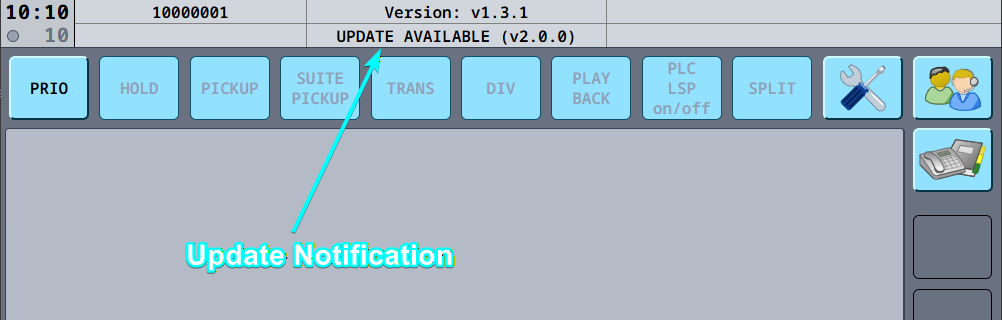
In this case, update the software before continuing.
Detailed instructions can be found here: See Updating VACS for detailed instructions.
Login to VATSIM
After launching vacs, the login screen will appear.
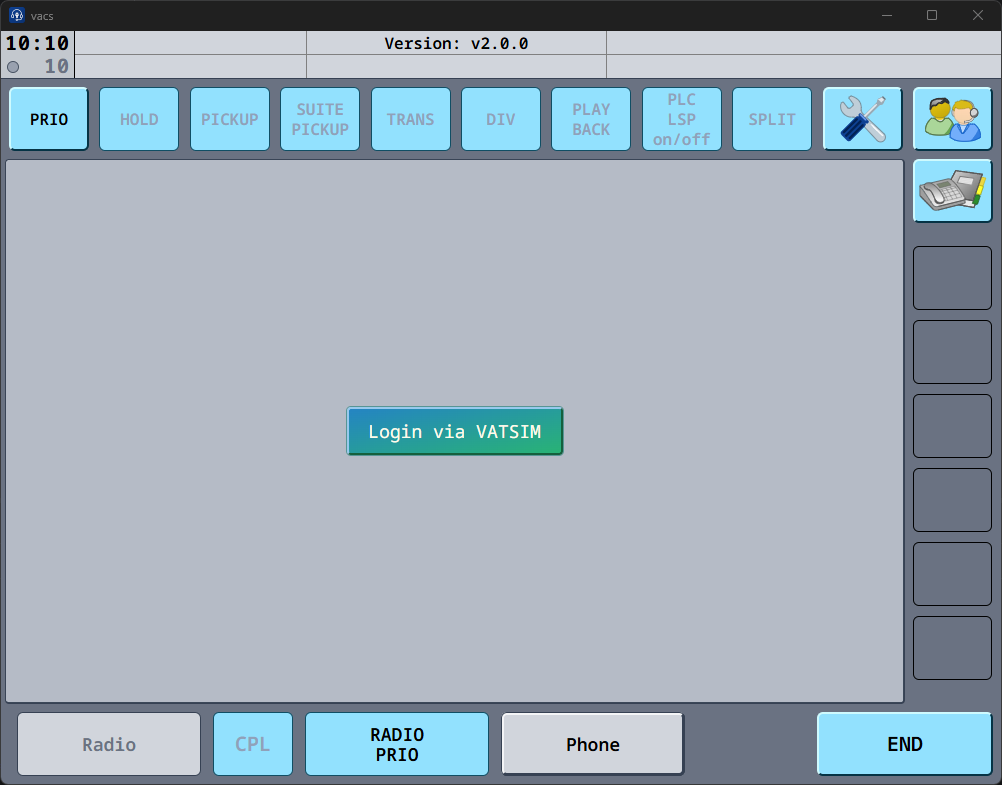
- Press Login via VATSIM
- Authenticate using your VATSIM account.
- Once completed, your VATSIM account will be connected to vacs.
Connect to vacs
After logging in, vacs will display the connection screen.
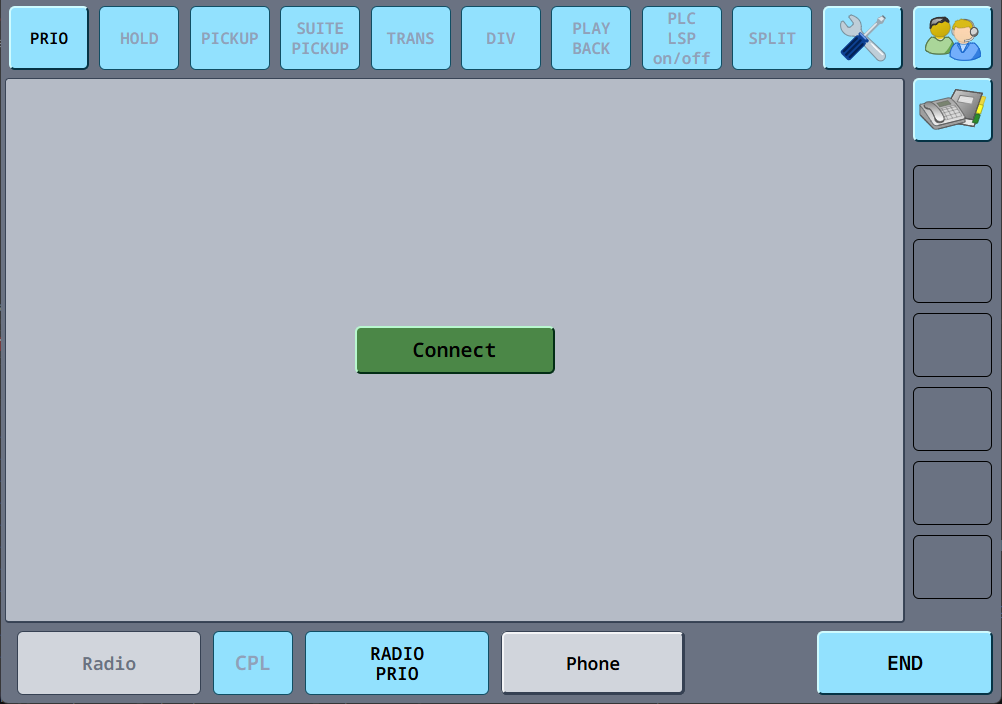
Before connecting, make sure that:
- You are connected to VATSIM
- Your primary frequency is set
Then press Connect to establish the vacs connection.
Interface Layout
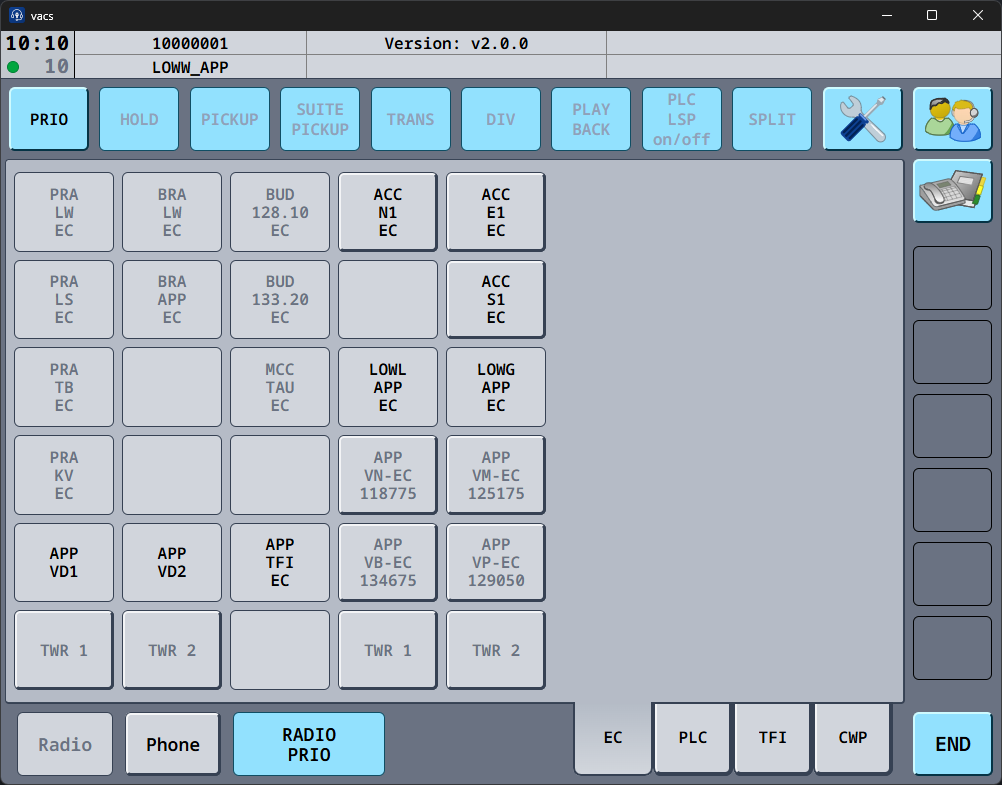
Once connected, vacs will load the interface layout configured by your vACC dataset.
Depending on the dataset configuration, this may be:
Tabed Layout
GEO Layout
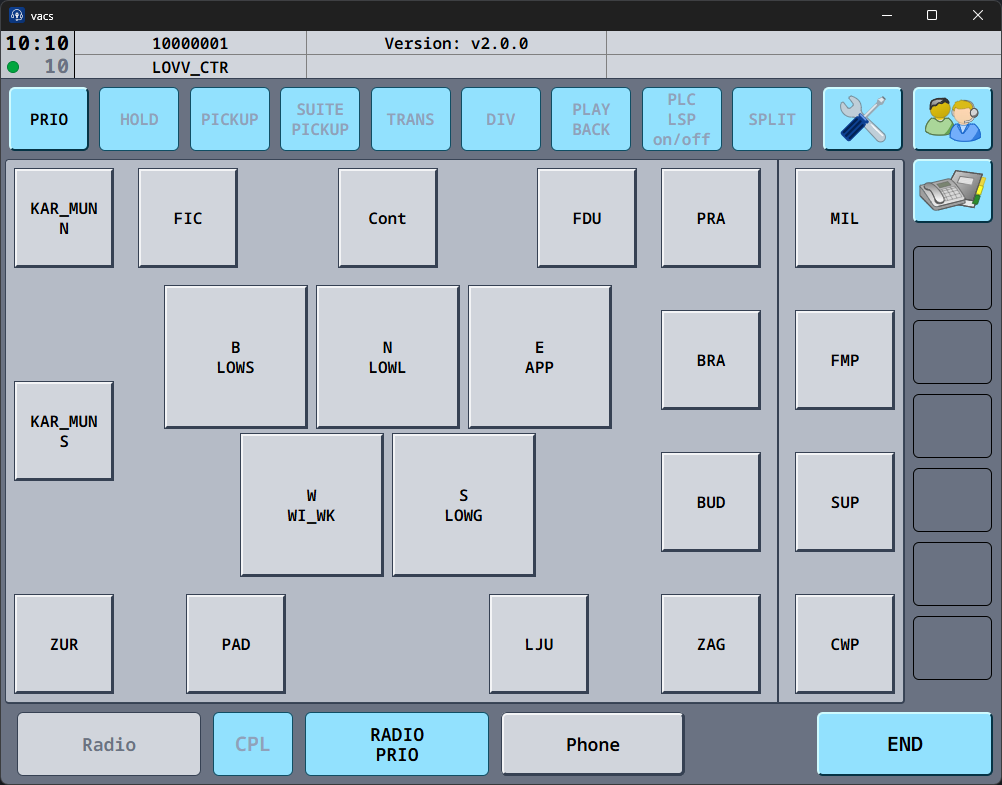
These layouts provide direct access keys to stations that can be contacted for coordination.
If no dataset layout is defined, vacs will display a generic layout showing all currently connected positions on vacs.
Ready for Use
Once:
- the software is configured
- the latest version is installed
- you are logged into VATSIM
- and connected to vacs
you are ready to begin using the system.
From this point onward, you can use the interface to place and receive coordination calls with other controllers.