Mission Page
The Mission Page provides access to advanced configuration options for your vacs client.
In normal operation, using a vACC dataset, this page is typically not required. The dataset will be made available to you in its most current version automatically.
However, it becomes relevant in specific situations, such as:
- when no profile is assigned to your position
- when your vACC dataset does not provide a layout
- when performing testing or development tasks
When is the Mission Page used?
If your position has no dataset-defined profile, vacs cannot load a predefined GEO or Tabbed Layout.
In this case, the Mission Page allows you to:
- load profiles manually, and by that
- configure your Client Page behavior locally
This replaces the functionality previously known as the “Stations Config” in vacs 1.x.
Profiles & Client Page Configuration
Profiles define how stations are displayed in your interface.
This includes:
- which stations are shown (include / exclude rules)
- how stations are ordered (priority)
- how stations are grouped (FIR / ICAO structure)
- how frequencies are displayed
If a Client Page Configuration Profile is available to you, it can be loaded via the Mission Page.
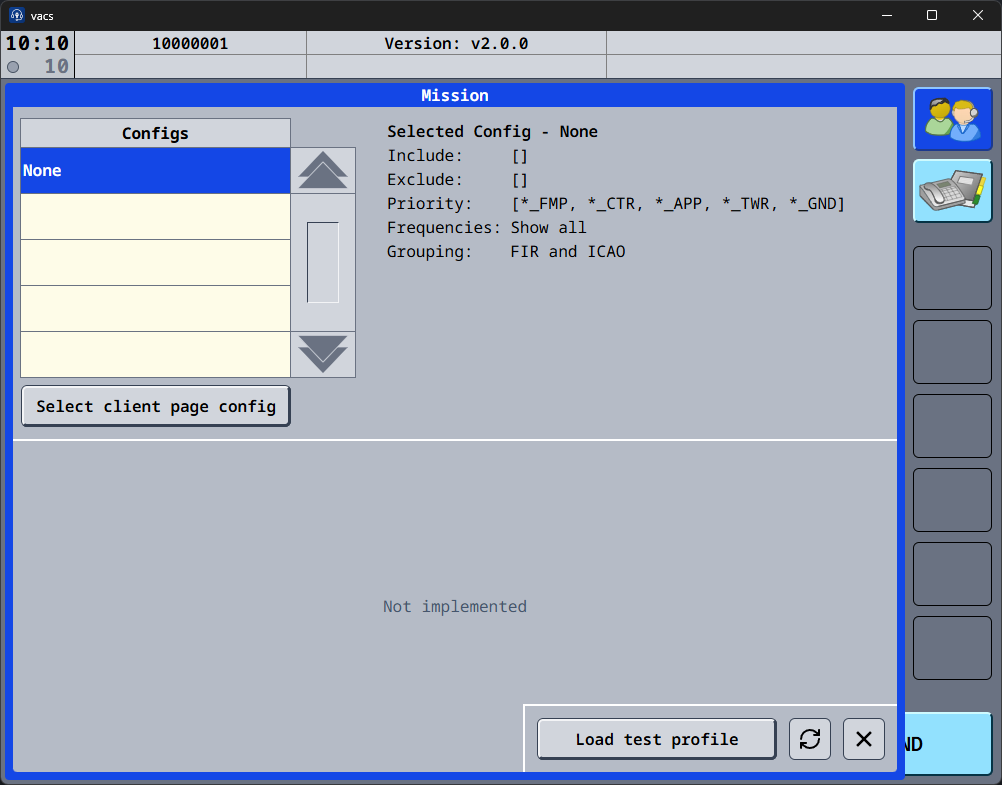
These configurations are read from your local configuration file.
For a detailed technical reference, see:
Client Page Configuration Reference
[!NOTE] These settings are purely client-side and only affect how stations are displayed to you.
Test Profiles
The Mission Page also allows loading test profiles.
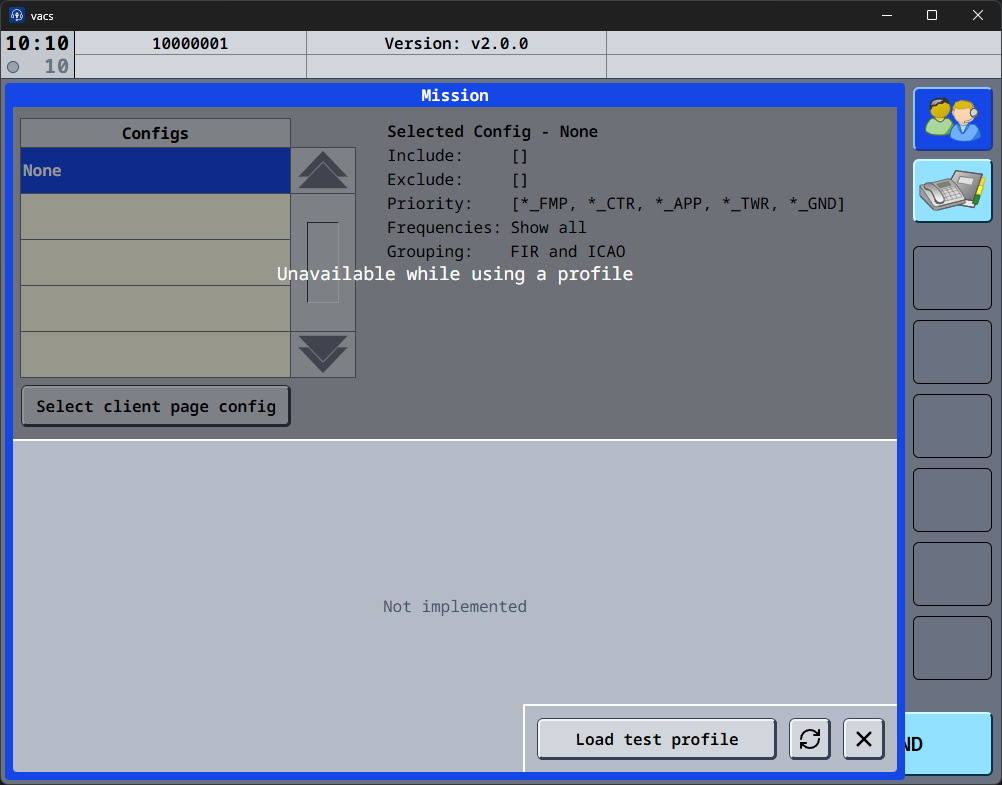
Test profiles are primarily intended for dataset maintainers and developers validating their new layouts before deployment.
They allow you to preview how a profile will appear before submitting it to the dataset.
Operational Remarks
For most users:
- the Mission Page is not required during normal operations
- your vACC dataset will automatically provide the correct layout on startup
You should only use this page if:
- no profile is available for your position
- you need to load or test a profile